100%75%50%25%
MonTueWedThuFriSatSun
OPERATIONS MANAGEMENT, CONNECTED
Coordinate your teams, manage work and track costs. Bring the office and the field together, from the first quotation to the final review.
For service businesses, big and small
Here’s what’s happening across your projects.
Your work. Your progress. All here.
Keep the momentum going.
Oak House · Unit 02
ONE PLATFORM. DIFFERENT SPECIALISMS.
THE DASHBOARD
Follow the detail from planning and pricing to purchasing, evidence and payment reviews. Select a workspace to take a closer look.
Here’s what’s happening across your projects.
From the project overview to the individual unit. Keep scope, people and progress together.
The right people. The right work. A clear week ahead.
From the project overview to the individual unit. Keep scope, people and progress together.
From a reusable template to a reviewed quotation.
Measured area: 6 m² · Refurbishment
R2 · Current draft
R1 · Original estimate
Reusable unit templates, material and labour costs, pricing revisions and customer PDFs.
One material identity, from supplier to site.
One material identity across suppliers, invoice matching, receipts and stock movements.
Every detail recorded. Every version traceable.
Existing condition, recorded before work begins.
Completed work, clear amounts and staged review.
A CLOSER LOOK AT THE FIELD APP
See the screens your people use: the next task, the evidence on site, the progress of a payment request. Explore both light and dark mode.
Your work. Your progress. All here.
Keep the momentum going.
Oak House · Unit 02
A personal overview of work, time and progress.
The details behind the work.
Oak House · Bathroom 02
Photos, video, report entries and published versions.
From completed work to review.
4 completed tasks · Oak House
14 – 18 September
Completed work, requested amounts and approval history.
Your work, organised.
Oak House · Unit 02
Oak House · Unit 02
Oak House · Unit 02
Dates, working intervals and clear task status.
A clear view of every site.
4 properties · Assigned team
12 properties · Assigned team
8 properties · Assigned team
Projects and properties within each member’s access.
Oak House · Bathroom 02
Jamie Wilson · Assigned worker
Prepare the surface and fit wall tiles to the agreed layout. Record progress photos before finishing.
Instructions, QR check-in, active time and comments.
FROM PLAN TO PROGRESS
See how a maintenance visit, a cleaning team or an electrical job moves from an estimate to a reviewed record of work.
Unit template → estimate → quotation
Oak House · First floor
Replace worn sealant, check fittings and record the completed work.
Fictional quantities and rates. Not market pricing or a customer quotation.
Riverside Offices · Ground floor
Clean the kitchenette, shared surfaces and floors before the next working day.
Fictional quantities and rates. Not market pricing or a customer quotation.
Westgate Offices · Corridor A
Replace two ceiling light panels and document the work for review.
Fictional quantities and rates. Not market pricing or a customer quotation.
Property → unit → assigned task
Oak House · First floor
Confirm scope, photograph the condition and protect the work area.
Remove worn sealant, prepare the surfaces and apply the replacement.
Inspect the finish, record curing guidance and tidy the work area.
Riverside Offices · Ground floor
Confirm access, check the work area and prepare the cleaning supplies.
Complete kitchenette, touchpoints and floor tasks across the assigned areas.
Check the finish, add photographs and record the handover notes.
Westgate Offices · Corridor A
Review the assigned work and coordinate access to the corridor.
Assigned electrician completes the work and records materials used.
Document the completed work, observations and any follow-up actions.
Assigned work → time → report
Oak House · First floor
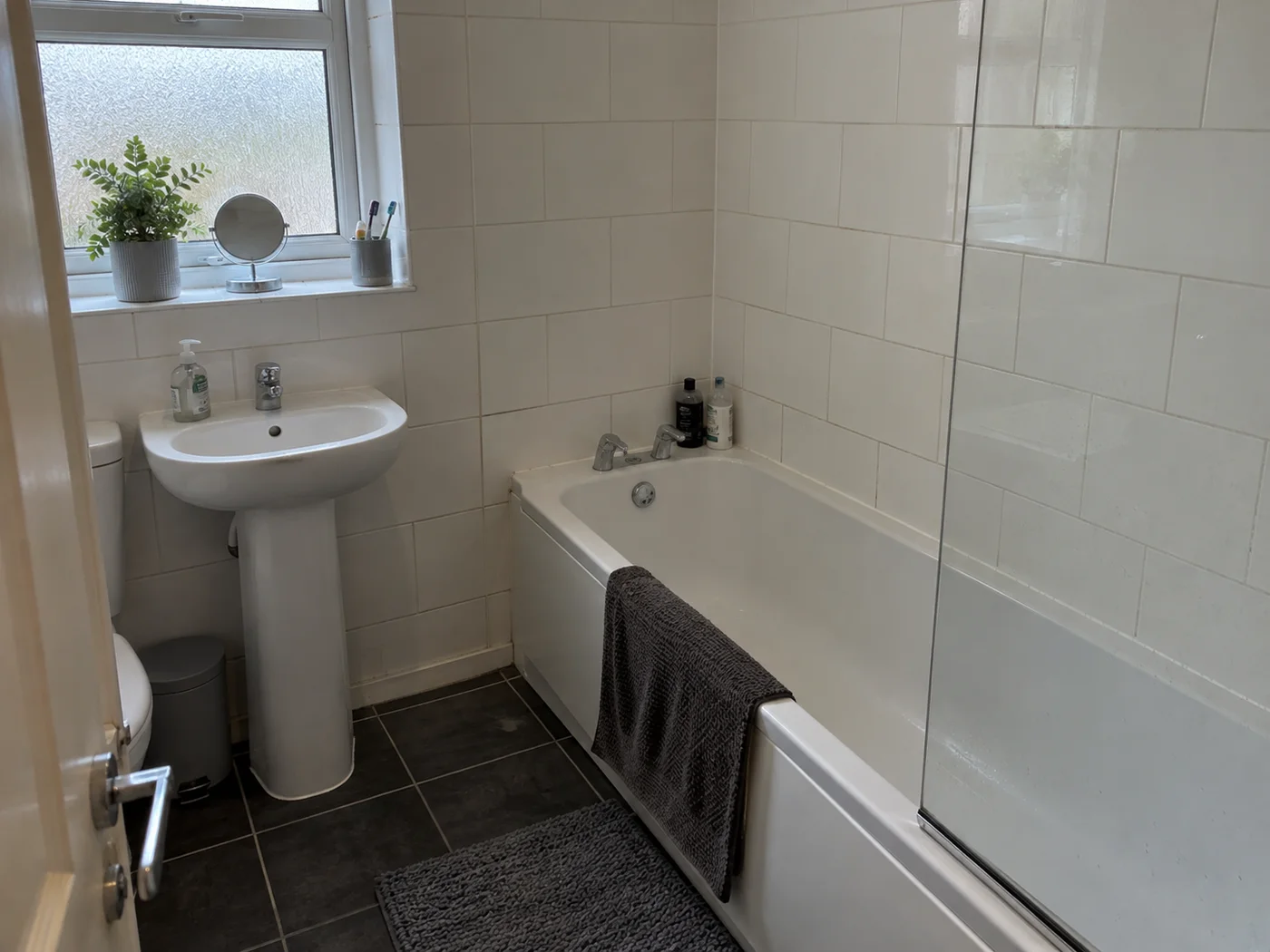
Finish checked and photographed. Curing guidance recorded for the next visit.
Riverside Offices · Ground floor
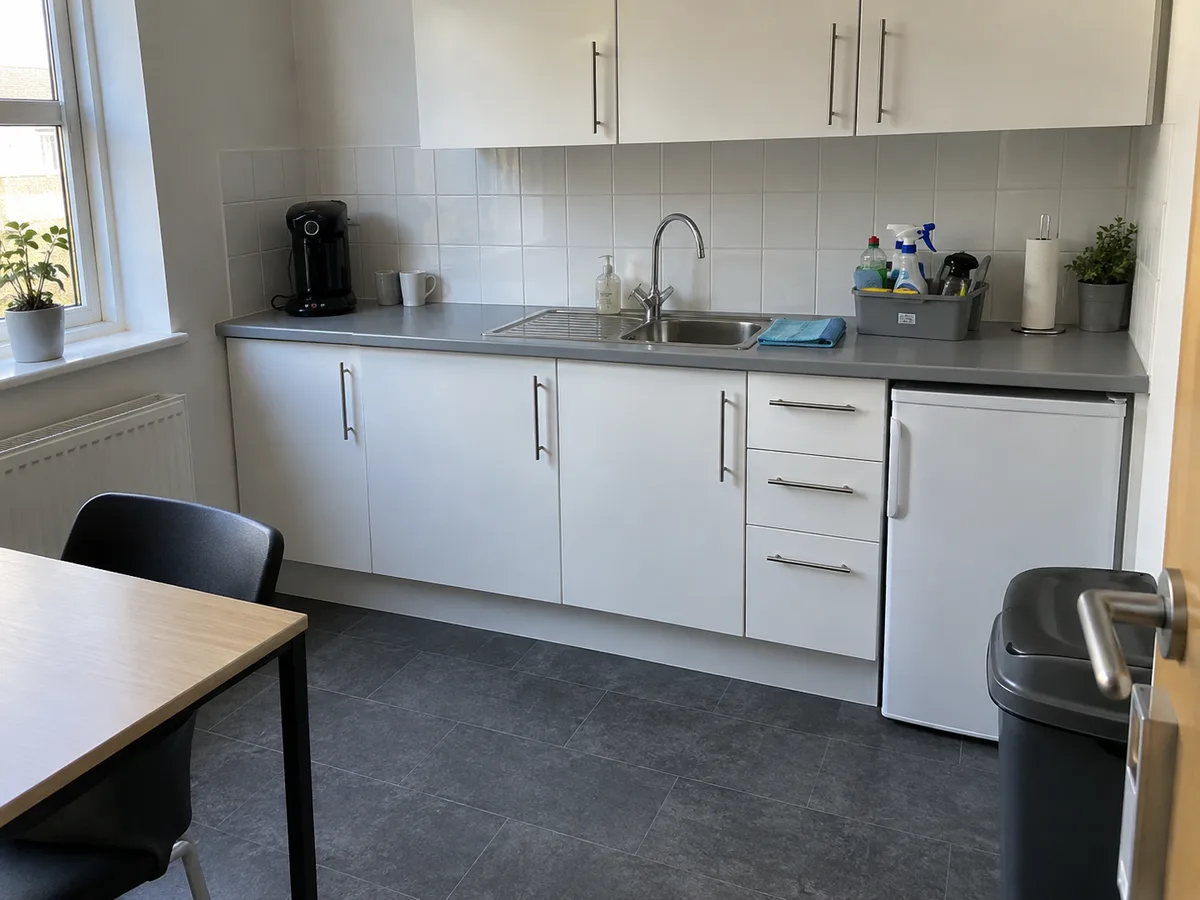
Assigned areas completed. Kitchenette and floor photographs attached for the supervisor.
Westgate Offices · Corridor A
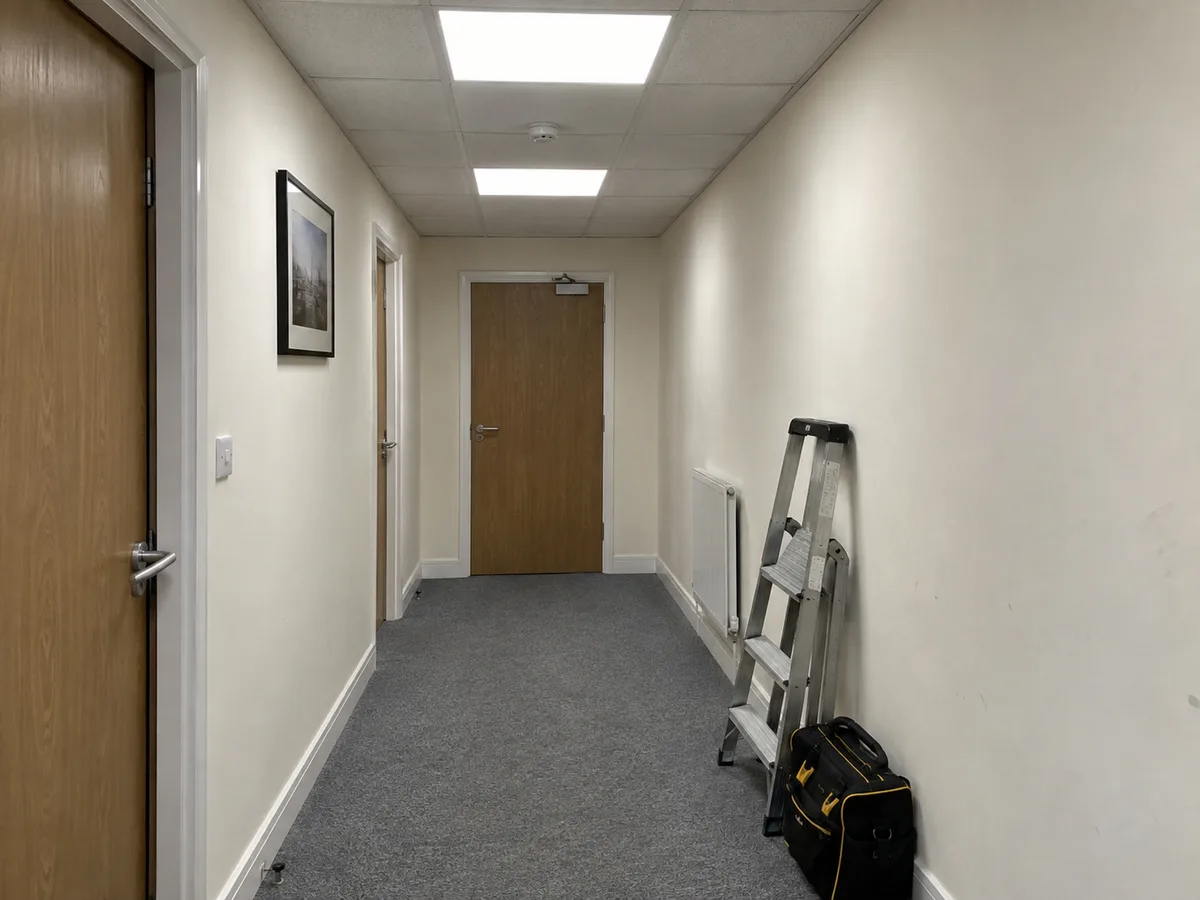
Both replacement panels photographed. Completion notes attached for project manager review.
Submitted → PM review → final review
Oak House · First floor
Requested labour amount and work details recorded.
Completed work and supporting report checked.
Confirm the amount and record the final decision.
This example shows a request awaiting approval. It does not represent a payment sent.
Riverside Offices · Ground floor
Requested labour amount and work details recorded.
Completed work and supporting report checked.
Confirm the amount and record the final decision.
This example shows a request awaiting approval. It does not represent a payment sent.
Westgate Offices · Corridor A
Requested labour amount and work details recorded.
Completed work and supporting report checked.
Confirm the amount and record the final decision.
This example shows a request awaiting approval. It does not represent a payment sent.
THE DETAILS THAT KEEP WORK MOVING
From the project overview to the individual unit. Keep scope, people and progress together.
Reusable unit templates, material and labour costs, pricing revisions and customer PDFs.
One material identity across suppliers, invoice matching, receipts and stock movements.
Trade rates, assigned work and payment requests with staged review.
Photo and video evidence, property reports and controlled sharing.
Vehicle assignments, documents and maintenance, with clear ownership.
FROM THE FIRST VISIT TO THE FINAL REVIEW
Document what you find, put a price on the work and understand how it is progressing.
THE RIGHT VIEW FOR THE RIGHT PERSON
Plan projects, prepare quotations and manage commercial approvals.
Coordinate properties, follow tasks and review site evidence.
See assigned work, record activity and submit payment requests.
GOOD TO KNOW
TBM Pro is for small and large businesses providing services at customer properties and sites. These include cleaning, gardening, landscaping, electrical work, plumbing, drainage, gas services, maintenance and refurbishment. Bring work planning, people, costs and reports together in one workspace.
Yes. Open the app to try the public demo with the prefilled login details, or sign in to your own workspace. It runs in your browser at app.tbmpro.co.uk. Public App Store and Google Play releases are still to come.
No. The visuals on this website use fictional names and illustrative figures. They demonstrate product workflows, not customer results or current market prices.
Not yet. The current app needs a connection for sign-in and key actions. Full offline work and synchronisation are planned; they are not included in the current release.
Use the dashboard or app links to explore the public demo with prefilled login details and fictional data. To set up your own workspace, access is arranged with the TBM Pro team. Public self-service signup is not available yet.
The demo includes property work, photo reports and dashboard quotations. These examples also show the extended client-reporting, field-quotation, invoicing and activity-analysis flows being implemented; those extensions are not yet all available in the demo.

For service businesses, big and small
Explore the demo or sign in to your workspace.
Layout confirmed. Please add a photo of the finished edge.